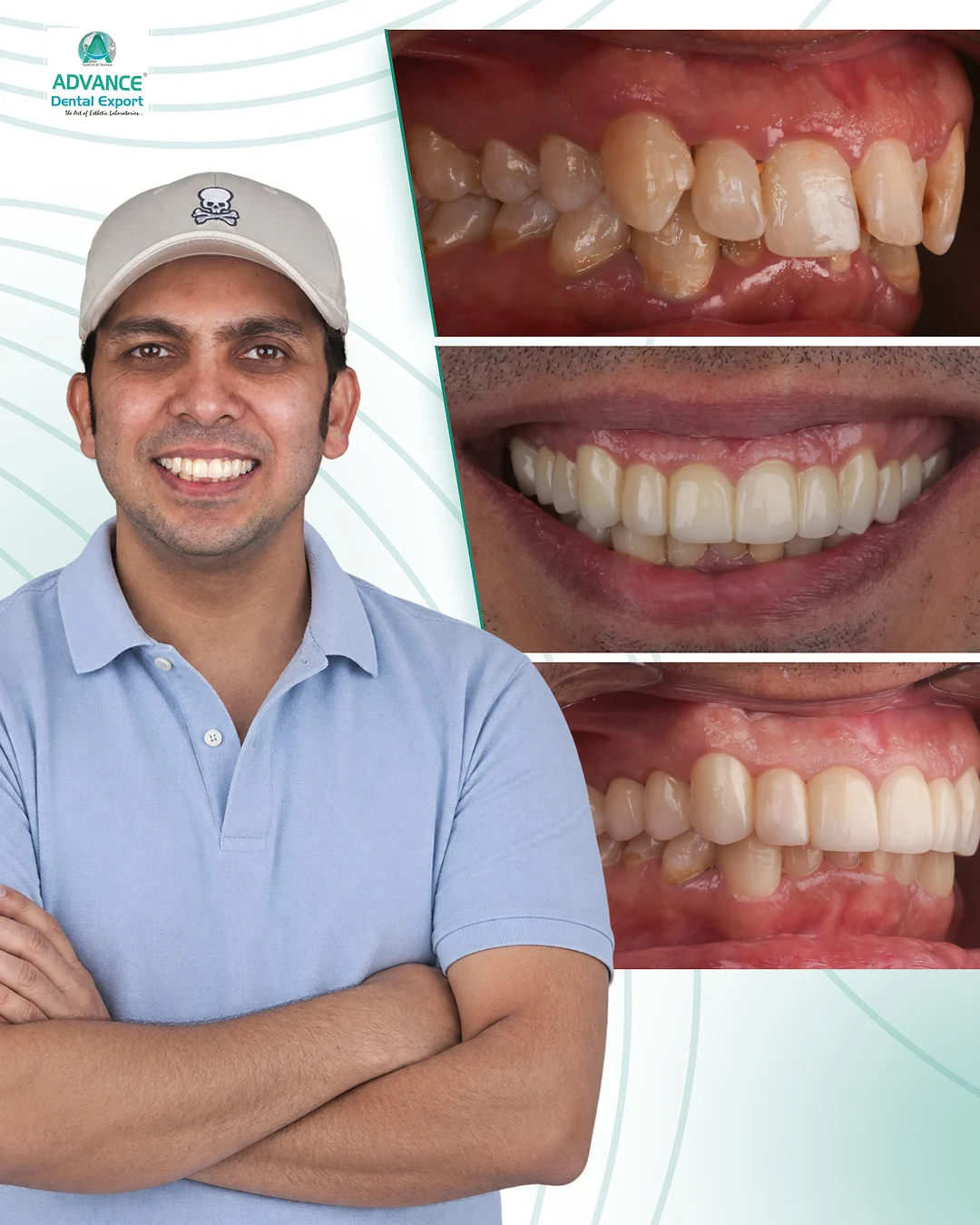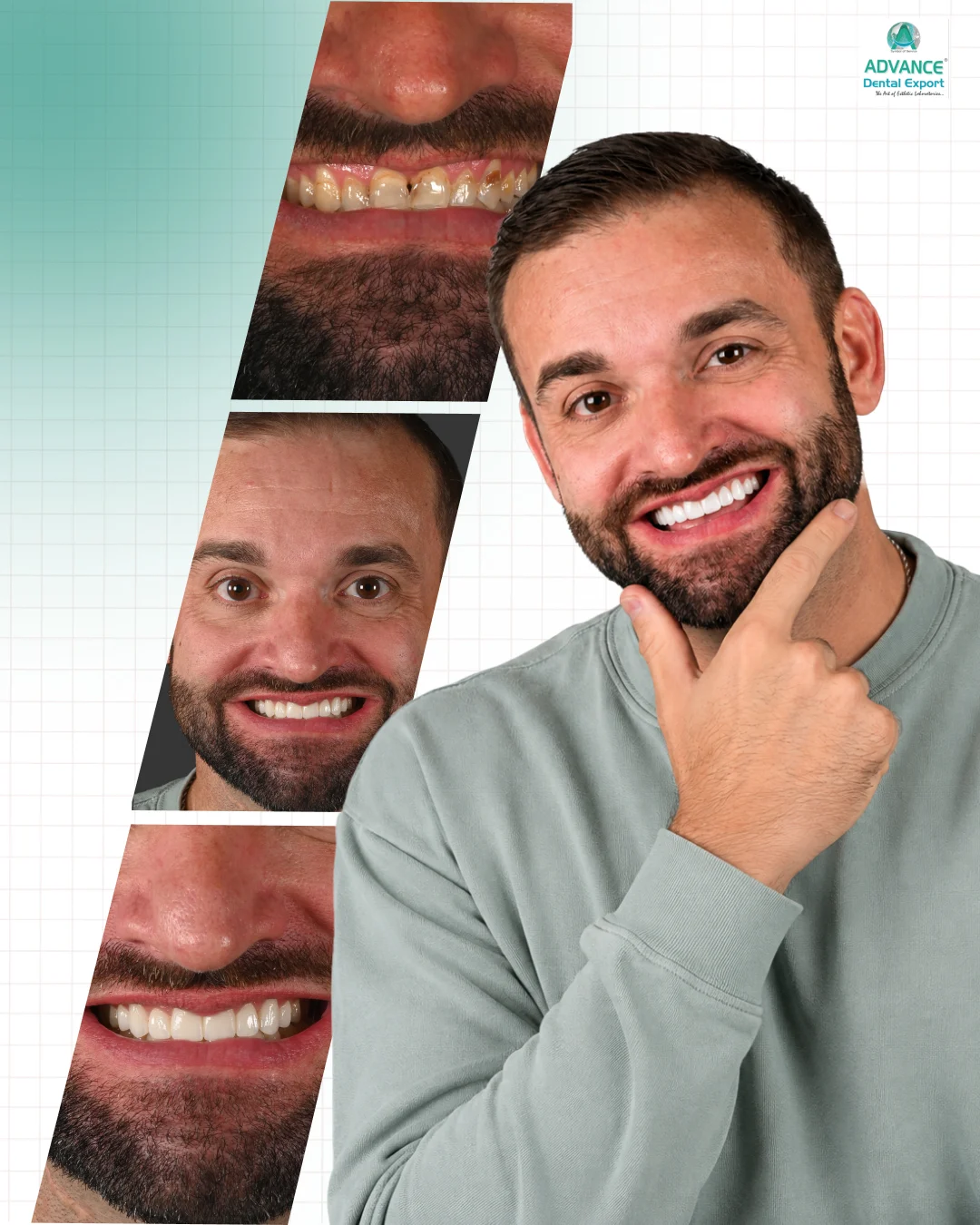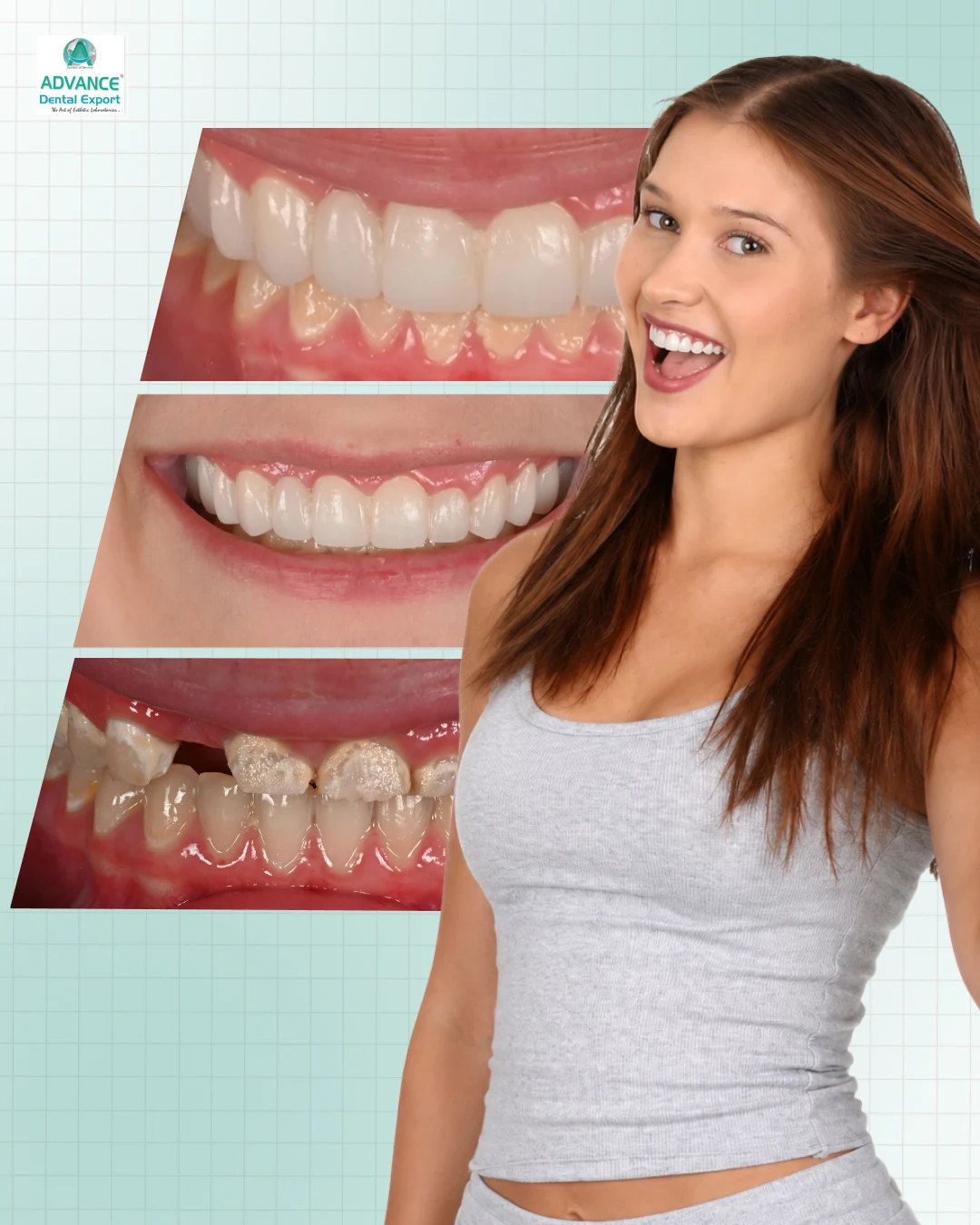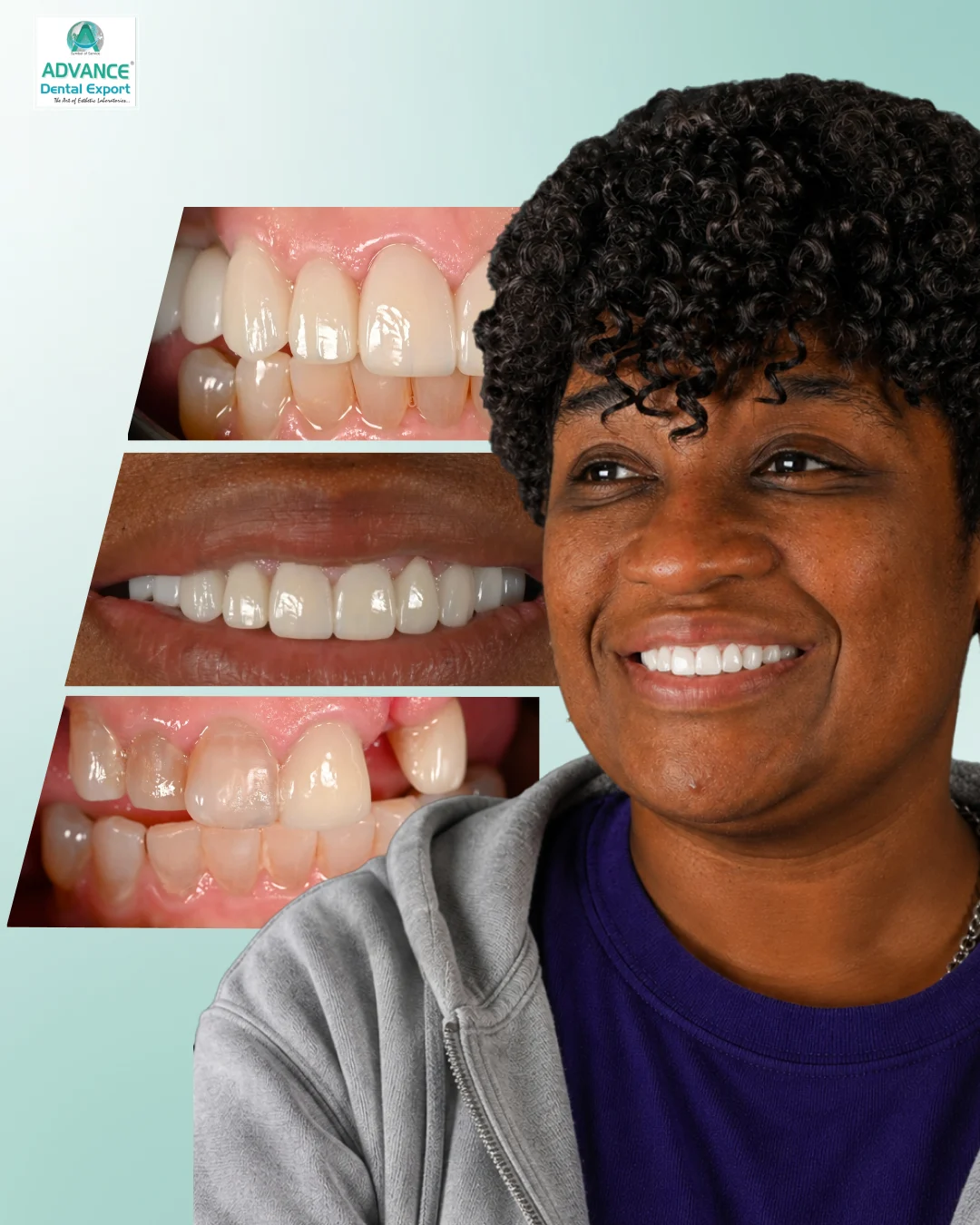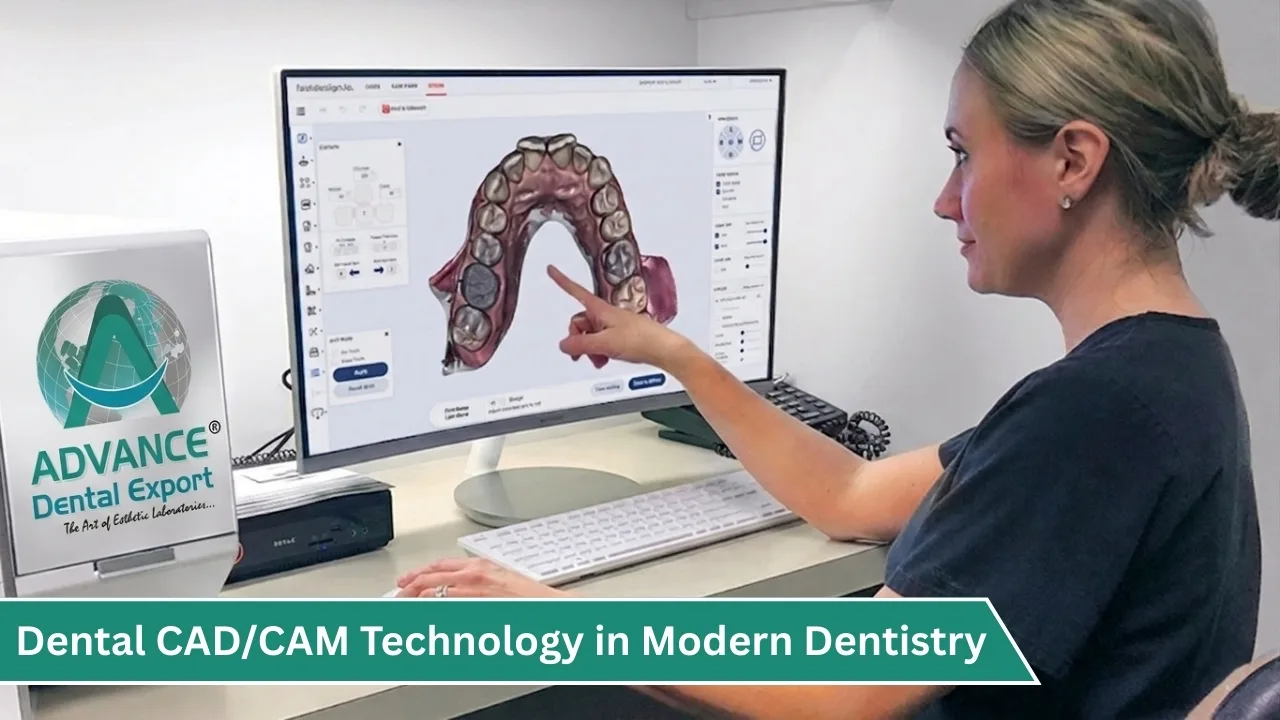
When you plan a crown, bridge or other indirect restoration, you expect an accurate fit, the right material and minimal chairside adjustment. CAD/CAM dentistry supports all three by moving design and manufacturing into a digital dentistry workflow that you can review before the restoration is made.
CAD/CAM dentistry is the use of computer-aided design (CAD) software and computer-aided manufacturing (CAM) equipment to design and produce dental restorations, such as crowns, bridges, inlays, onlays and veneers, from digital scans of the patient's mouth.
In this guide, you will learn how CAD/CAM in dentistry works, where CAD/CAM crowns and other restorations fit, and how to choose between chairside milling and working with a CAD/CAM dental lab.
Key Takeaways
- CAD/CAM stands for computer-aided design and computer-aided manufacturing . Digital scans are designed on screen and produced by computer-controlled equipment.
- Digital planning lets problems such as limited occlusal space be identified before milling. However, a milled crown is not automatically more accurate than a conventional one.
- You do not need your own milling machine. Digital scanning combined with a CAD/CAM dental lab is a practical starting point.
- Material choice follows the clinical indication: for example, zirconia where functional loading is a concern and lithium disilicate for selected aesthetic, bonded restorations.
- Scan quality, preparation design and a clear prescription still determine the final result.
What Is CAD/CAM Dentistry?
CAD/CAM stands for Computer-Aided Design and Computer-Aided Manufacturing . In dentistry, it combines digital impressions, specialised CAD software and computer-controlled manufacturing equipment to design and fabricate dental restorations.
Instead of relying entirely on conventional laboratory techniques, the dental technician creates a virtual restoration, and a machine produces it from the selected material.
You can use CAD/CAM technology for zirconia crowns , ceramic bridges, inlays, onlays, veneers , and selected implant-supported restorations.
Consider a tooth prepared for a crown. Traditionally , the laboratory would work from a physical impression or cast and build the crown by conventional methods. With CAD/CAM dental technology , the preparation is digitised, the crown is designed virtually, and manufacturing equipment produces it from a ceramic block or disc.
CAD and CAM: What Is the Difference?
CAD and CAM are two connected stages of the same workflow.
| CAD (computer-aided design) | CAM (computer-aided manufacturing) | |
| What it does | Designs the restoration on screen | Converts the design into machine instructions and produces it |
| Main tools | Scanner and dental CAD software | CAM software and a milling unit or 3D printer |
| Output | A digital 3D restoration design | The physical restoration |
CAD/CAM Supported Systems
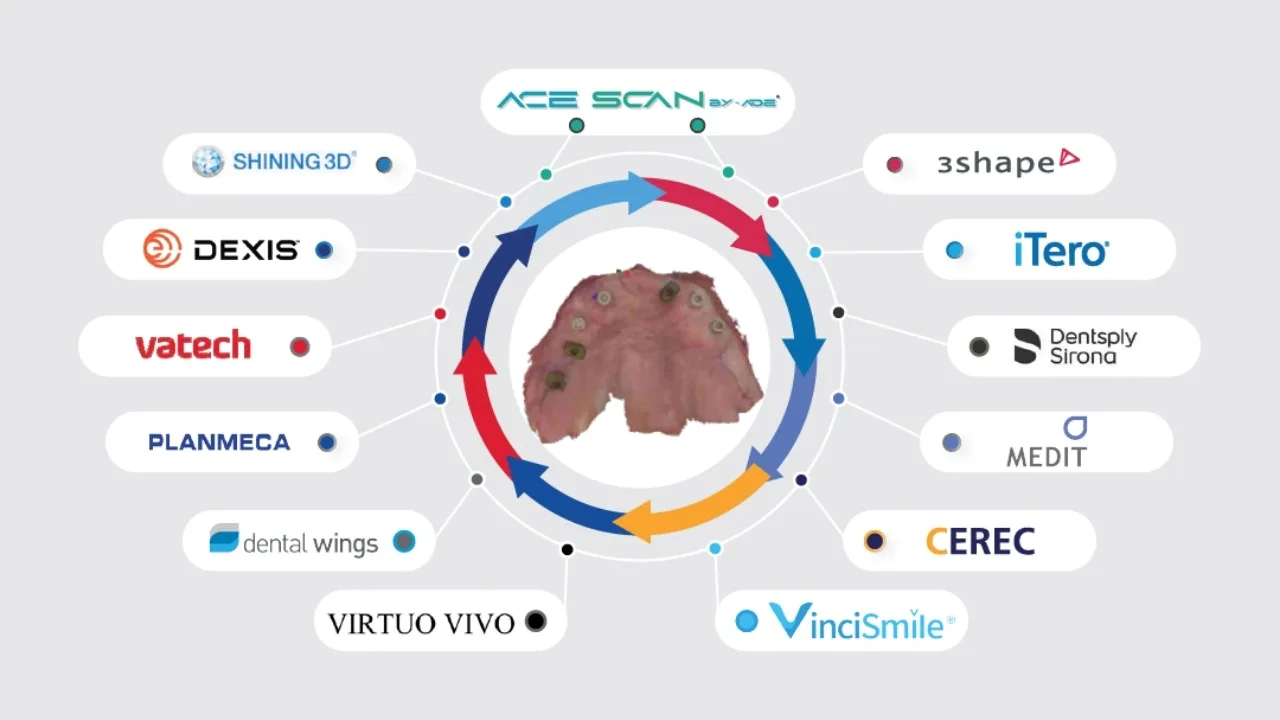
In digital dentistry, several CAD/CAM systems have revolutionised the way dental professionals capture impressions and fabricate restorations.
How Does CAD/CAM in Dentistry Work?
The complete CAD/CAM process has three main stages, followed by finishing and clinical verification.
1. Digital Impression and Scanning
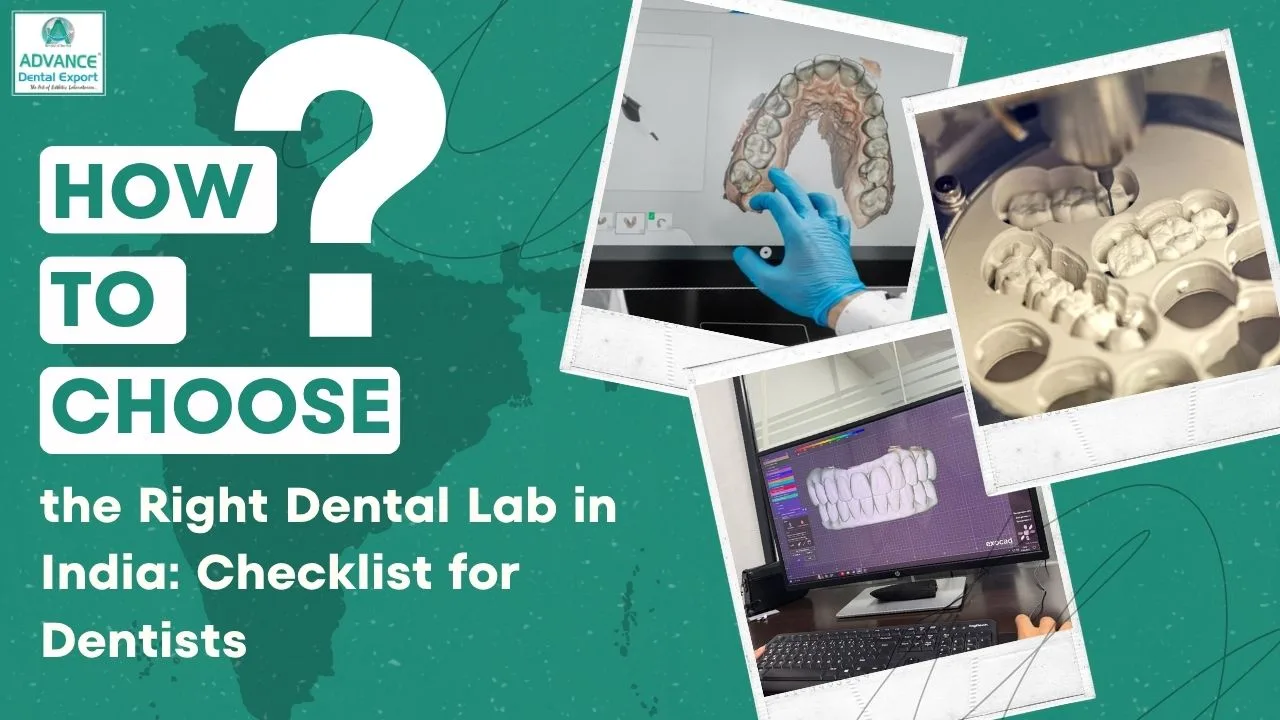
The process begins with an accurate digital record of the prepared tooth and surrounding dentition. You can capture this directly with an intraoral scanner, or your laboratory can digitise conventional impressions or stone models with a laboratory scanner.
The resulting 3D model records the information needed for restoration design, including preparation margins, adjacent teeth, and occlusal relationships.
2. Computer-Aided Design (CAD)
Once the digital model is ready, the technician uses dental CAD software to identify the preparation margins and develop the restoration's shape, contours and occlusal anatomy. During this stage, the technician can also evaluate proximal contacts, restoration thickness and cement space.
For example, when designing a zirconia crown, the laboratory must ensure sufficient material thickness without creating excessive occlusal or proximal contours.
3. Computer-Aided Manufacturing (CAM)
After the design is approved, CAM software converts it into manufacturing instructions. A CAD/CAM machine then mills or grinds the restoration from a compatible material block or disc.
Depending on the material, the restoration may then need sintering, crystallisation, staining, glazing or polishing before delivery.
The key point is that CAD/CAM manufacturing connects your clinical records directly to the laboratory's design and production process.
Key Features of CAD/CAM Dental Technology
What makes CAD/CAM different from conventional restorative manufacturing is the ability to plan and evaluate a restoration digitally before producing it.
For dentists, several features are particularly useful.
1. Digital Control Over Restoration Design
CAD software allows technicians to examine restoration dimensions and modify the design before manufacturing.

For example, if your preparation provides limited occlusal clearance, the technician can assess whether the selected material's minimum thickness requirements can be maintained.
If there is insufficient space, the laboratory can discuss the limitation with you before proceeding.
2. Computer-Controlled Manufacturing
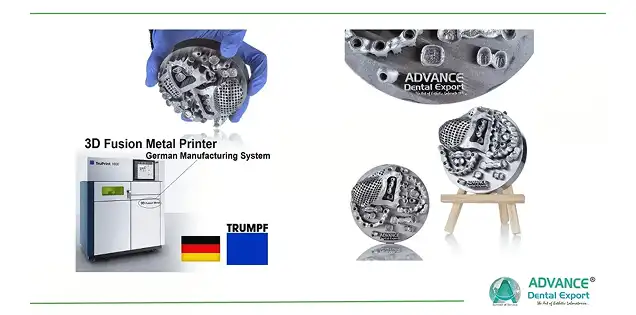
CAD/CAM manufacturing follows a digital design rather than depending entirely on manual shaping.
This supports accuracy & consistency in manufacturing , particularly when the same validated equipment, materials, and processing parameters are used.
However, final accuracy still depends on factors such as milling tool condition, machine calibration, material behaviour, and laboratory finishing.
3. Compatibility With Different Restorative Materials
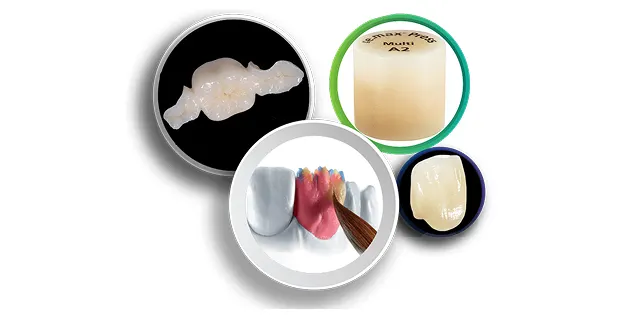
Dental CAD/CAM systems can process several materials, including zirconia, lithium disilicate (emax), feldspathic ceramics, and compatible resin-based materials.
Your material selection should still depend on the clinical indication.
For instance, zirconia may be appropriate when functional loading is a major consideration, while lithium disilicate can be useful for selected aesthetic and adhesively bonded restorations.
4. Easier Digital Communication
When you send a digital impression to your laboratory, the technician can assess the preparation on-screen.
This creates an opportunity to discuss unclear margins, limited restorative space, or design requirements before fabrication.
5. Flexible Manufacturing Options
CAD/CAM is not limited to chairside milling.
You can use a chairside system or work with a CAD/CAM dental laboratory, depending on the restoration's complexity and your practice setup.
CAD/CAM Crowns: Materials, Process and Indications
CAD/CAM technology is especially useful in fixed prosthodontics, where fit, material thickness, occlusal contacts and marginal adaptation need careful control. CAD/CAM crowns are among the most common applications.
Let's look at two important clinical applications.
Common CAD/CAM Crown Materials
| Material | Typical indications | What to consider |
| Zirconia | Posterior crowns, selected bridges, cases with high functional loading | Formulations differ in strength and translucency; check minimum thickness and stump shade for anterior use |
| Lithium disilicate (IPS e.max) | Anterior and premolar crowns, veneers, inlays, onlays | Bondable; follow the manufacturer's cementation protocol; bridge indications are limited |
| Feldspathic ceramic | Veneers, inlays, onlays and selected single crowns where aesthetics lead | Lower strength; relies on adhesive bonding and good support |
| Resin-based materials | Provisional restorations and selected inlays or onlays | Properties vary by product; follow the manufacturer's indications |
CAD/CAM Crowns & Bridges
Bridges need additional planning.
Besides the individual retainers, the laboratory must consider pontic design, connector dimensions, abutment support and span length. Not every zirconia or glass-ceramic material is indicated for every bridge configuration, so confirm the manufacturer's restrictions before finalising the treatment plan.
For longer spans, discussing the preparation and material requirements with your laboratory early helps avoid design changes later.
Inlays and Onlays
CAD/CAM dentistry also suits teeth that need an indirect restoration but not a full-coverage crown. An inlay restores the internal portion of the tooth without covering the cusps. An onlay covers one or more cusps when additional protection is required.
What to Consider When Preparing for an Inlay or Onlay:
- Remaining tooth structure : Avoid removing healthy tissue unnecessarily, but cover weak or unsupported cusps when clinically indicated.
- Preparation geometry : Rounded internal transitions, adequate clearance and clearly defined margins support the manufacturing process.
- Thickness and bonding : A systematic review of ceramic onlay longevity identified fracture as a major cause of failure, which highlights the importance of preparation design and functional loading.
- Adhesive protocol : With lithium disilicate or another bondable glass-ceramic, plan surface treatment and cementation according to the manufacturer's instructions. Reliable moisture control is essential.
Benefits of Incorporating CAD/CAM Dentistry
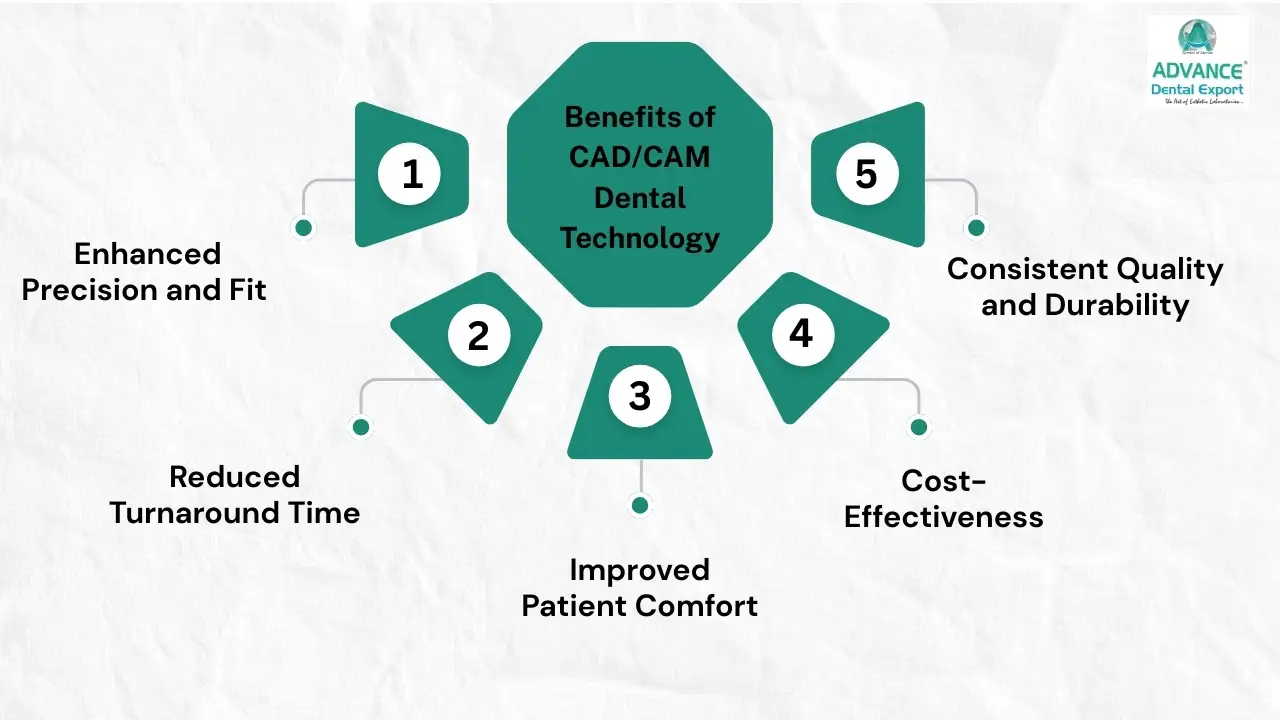
CAD/CAM dentistry offers practical advantages in restoration design, laboratory communication, manufacturing, and clinical workflow.
However, these benefits depend on how accurately the digital process is performed and how well it matches your restorative requirements.
Enhanced Efficiency and Precision
One of the main advantages of CAD/CAM dentistry is the ability to evaluate restorative details before manufacturing begins.
Consider a posterior crown with limited interocclusal space.
With CAD software, the technician can assess crown thickness, occlusal anatomy, and available clearance. If the design cannot meet the selected material's requirements, the issue can be identified before milling.
This makes digital planning particularly valuable when your restorative case involves limited space or specific functional requirements.
CAD/CAM can also improve workflow efficiency in several ways:
- Digital scans can be reviewed for missing preparation details before case submission.
- Restoration contours and contact areas can be modified virtually.
- Digital prescriptions and clinical photographs can accompany the case.
- Approved designs can be manufactured through computer-controlled processes.
- Design files can be retained for future reference, subject to the laboratory's record-management practices.
However, it is important to distinguish manufacturing precision from clinical accuracy.
A digitally manufactured crown is not automatically more accurate than a conventionally fabricated crown.
Cost-Effectiveness and Time Savings
CAD/CAM dentistry can help reduce the time involved in certain restorative procedures, particularly when digital impressions and manufacturing are integrated efficiently.
For example, digital impressions eliminate the need to physically transport impression materials to the laboratory.
You can send the scan files and restorative instructions electronically, allowing the laboratory to begin reviewing the case without waiting for physical models.
Digital scanning may also be more comfortable for patients who struggle with conventional impression trays.
But does CAD/CAM dentistry actually reduce treatment costs?
That depends on how you implement it.
A complete chairside CAD/CAM setup requires investment in scanners, CAD software, milling equipment, maintenance, and trained personnel.
You also need to consider material costs, equipment utilisation, and the number of restorations produced each month.
For practices that do not manufacture a large number of indirect restorations, purchasing the entire system may not be the most economical choice.
Looking for a trusted lab partner? Get high-precision restorations from Advance Dental Export
Instead, you can introduce digital scanning while working with a CAD/CAM dental lab for design and fabrication. This allows you to benefit from digital dentistry without immediately investing in every manufacturing component.
How CAD/CAM Fabrication Works
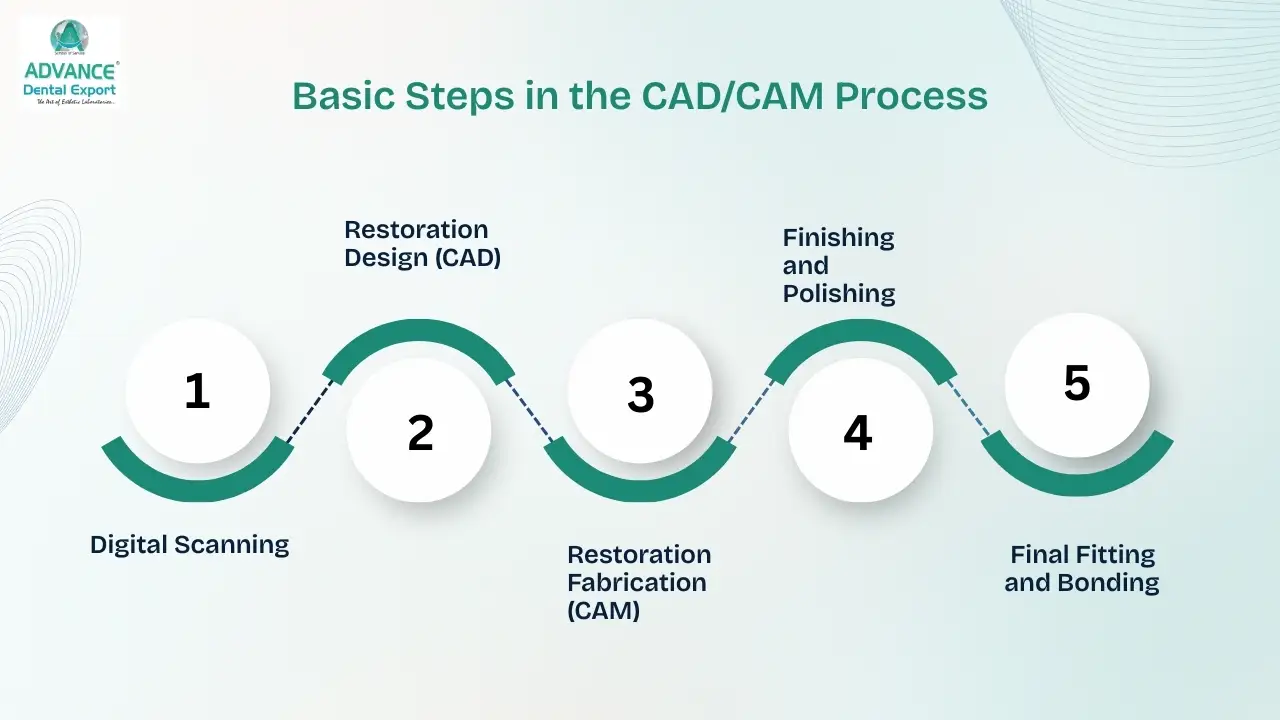
- Tooth preparation : You prepare the tooth according to the selected material's requirements.
- Digital impression : The prepared tooth, adjacent dentition and opposing arch are recorded.
- CAD design : The technician defines the margins, develops crown anatomy and adjusts proximal and occlusal relationships.
- CAM manufacturing : The restoration is milled from the selected ceramic block or disc.
- Post-processing: Required sintering, crystallisation, staining, glazing or polishing is completed.
- Clinical verification : You check fit, contacts, occlusion and aesthetics before definitive cementation.
Integrating CAD/CAM Technology into Your Practice
If you are planning to introduce CAD/CAM dentistry into your practice , you don't necessarily need to invest in a complete digital manufacturing setup immediately.
A more practical approach is to identify where digital technology can improve your existing restorative workflow.
1. Start With the Restorations You Prescribe Most
Look at the indirect cases you handle regularly. Are they mainly single zirconia crowns, anterior ceramic crowns, or more complex crown and bridge work? If you mostly prescribe single-unit crowns, digital scanning is a sensible starting point while your laboratory handles design and manufacturing.
2. CAD/CAM Dental Lab or Chairside: Which Workflow Suits Your Practice?
You can introduce CAD/CAM dentistry in three main ways.
| Workflow | How it works | When to consider it |
| Chairside CAD/CAM | You scan, design and manufacture selected restorations in your practice | You have enough case volume, trained staff and demand for single-visit restorations |
| Laboratory CAD/CAM | You send conventional impressions, which the laboratory digitises before design and manufacturing | You want CAD/CAM-manufactured restorations without buying a scanner |
| Digital scan with laboratory CAD/CAM | You capture intraoral scans and send them electronically to the laboratory | You want digital impressions while keeping laboratory support for design and fabrication |
For many dentists, the third option provides a manageable transition into digital dentistry .
3. Learn to Capture Accurate Digital Impressions
An intraoral scanner can record detailed preparation geometry, but only when the relevant surfaces are visible and properly captured.
Pay particular attention to finish lines, proximal surfaces, and subgingival margins.
If gingival tissue or saliva obscures the margin, the digital scan may not provide enough information for accurate restoration design.
Before submitting a case, examine the scan rather than assuming the software has captured every necessary detail.
4. Communicate Complete Restorative Requirements
Even with CAD/CAM manufacturing, your laboratory needs clear instructions.
When you send a restorative case, provide the following information wherever applicable:
- Tooth number and restoration type.
- Preferred material and shade.
- Relevant stump shade and clinical photographs.
- Occlusal relationship and opposing arch.
- Specific contact or contour requirements.
- Any limitations involving preparation space or margins.
- Relevant aesthetic expectations.
At Advance Dental Export (ADE), we understand how important communication between the dentist and laboratory is during restoration planning. A clear prescription helps ensure that the selected material and restoration design reflect the actual clinical situation.
What to Look for in a CAD/CAM Dental Lab
- File compatibility : The lab should accept STL or native files from your scanner and give clear submission instructions.
- Design communication : Look for a lab that reviews your scan and flags unclear margins or limited space before milling.
- Material range : Check that it offers the materials you prescribe, such as zirconia, lithium disilicate and PFM, and follows the manufacturers' protocols.
- Process control : Ask about equipment calibration, sintering and crystallisation protocols, and finishing standards.
- Support and accountability : Clear turnaround times, a remake policy, case-planning help and traceability or warranty verification are all worth asking about.
Advance Dental Export is a CAD/CAM dental lab in Surat , serving dentists across India and more than 20 countries. You can submit your STL file directly or contact our team to discuss a case.
Conclusion
CAD/CAM dentistry gives you more ways to plan and deliver indirect restorations through digital design and manufacturing. Whether you prescribe zirconia crowns, ceramic bridges, inlays or onlays, the technology can support efficient workflows and controlled fabrication.
Looking for a reliable CAD/CAM dental lab?
Connect with Advance Dental Export (ADE) to discuss your crown and bridge cases, material requirements and digital workflow.